A 3D graffiti simulator in your browser: how TrainWars paint works
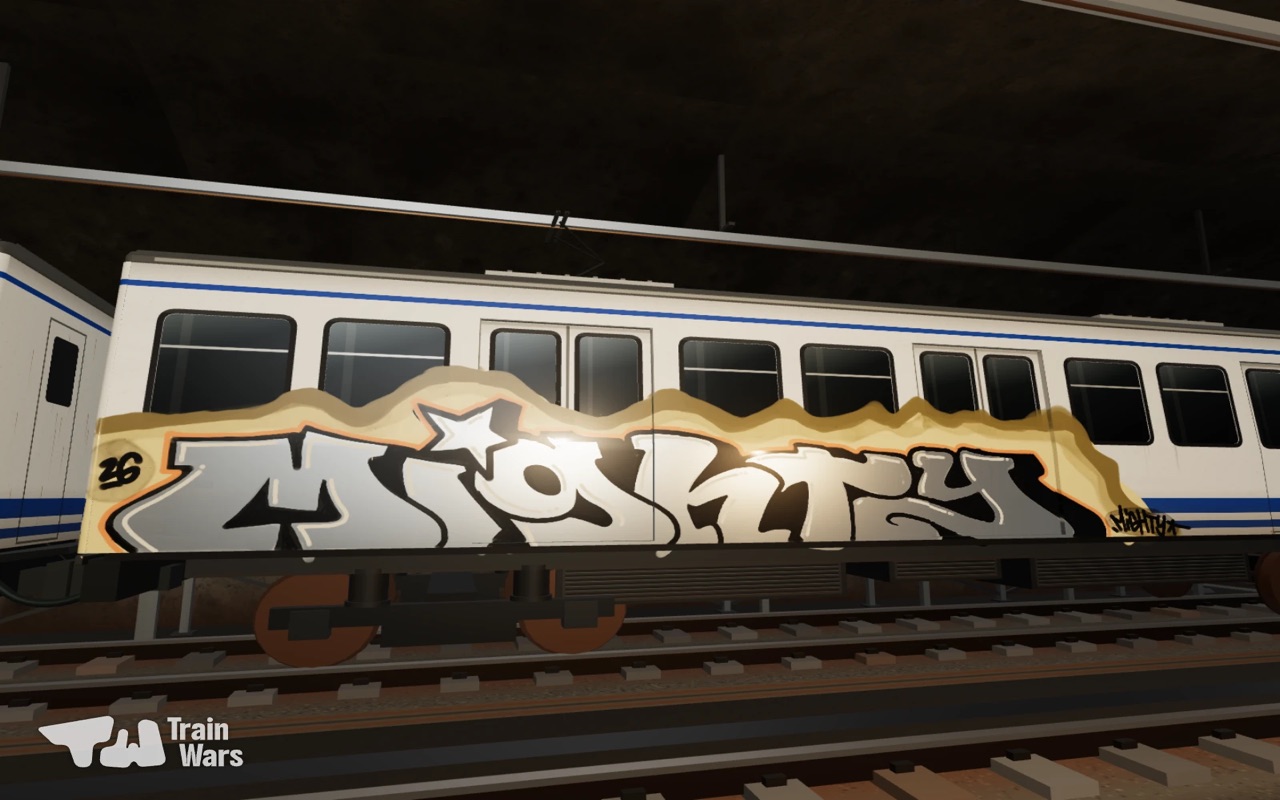
TrainWars is a 3D graffiti simulator that runs in a web browser, with no download, on desktop and laptop. Each spray sends thousands of paint droplets onto a full-size subway train. Colour builds up over passes, a still can drips, and fat caps give soft overspray.
Most "graffiti games" let you place a finished image on a wall. A graffiti simulator is different: you paint it yourself, and the paint behaves like paint. TrainWars is a 3D graffiti simulator that runs in a normal browser tab. Here is how it works.
Paint, drop by drop
When you press the can, TrainWars sends out a cone of tiny paint droplets. Each one is traced through the 3D world until it hits a surface: a panel, a window frame, a door seam. Where it lands, it adds colour. This is why the edges of a line are soft and why paint wraps around the curves of the train, the way it does in real life.
Opacity that builds up
One fast pass gives a light, see-through coat. Go over it again and it gets more solid. That lets you fade, blend and fill like a real writer, instead of stamping flat colour.
Drips
Hold the can still and the paint pools, then runs down as a thin drip. Hold still in empty space and you get a hollow circular spray. Drips are part of the style, so you control them by how you move.
Caps and distance
| Cap | Width | Use it for |
|---|---|---|
| Thin | 5 cm | Outlines, details, tags |
| Medium | 12 cm | Letters, highlights |
| Fat | 25 cm | Fills, backgrounds |
| Fat XL | 42 cm | Whole-car fills, quick throw-ups |
Distance matters too. Close up, the line is sharp. Step back and the same cap gives a wider, dustier line with overspray.
Finishes: solid, chrome, gold, copper, tar black
Solid colours are free. With the Full Game you also get Chrome, Gold and Copper, which reflect the light like real metallic paint, and Tar black, a rough brown-black coat. A chrome silver piece with a black outline is a classic for a reason.
A whole train, not a wall
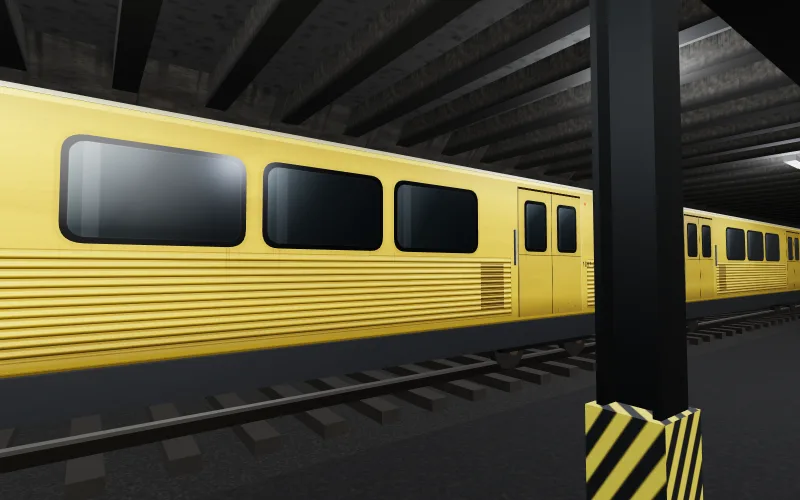
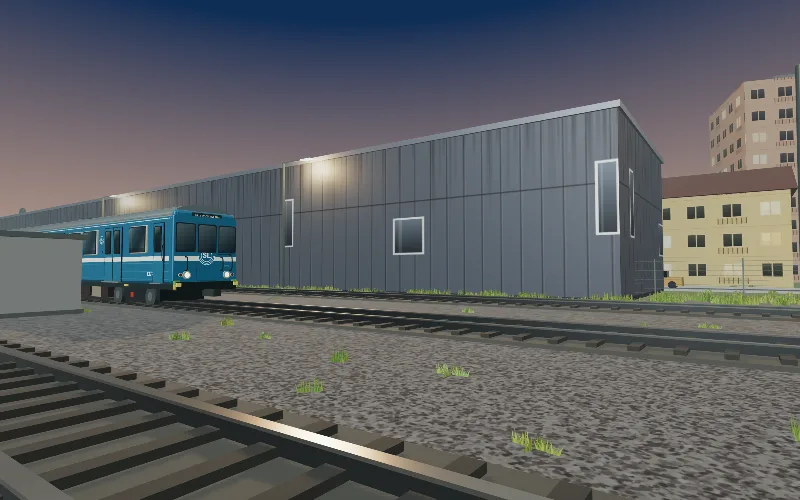
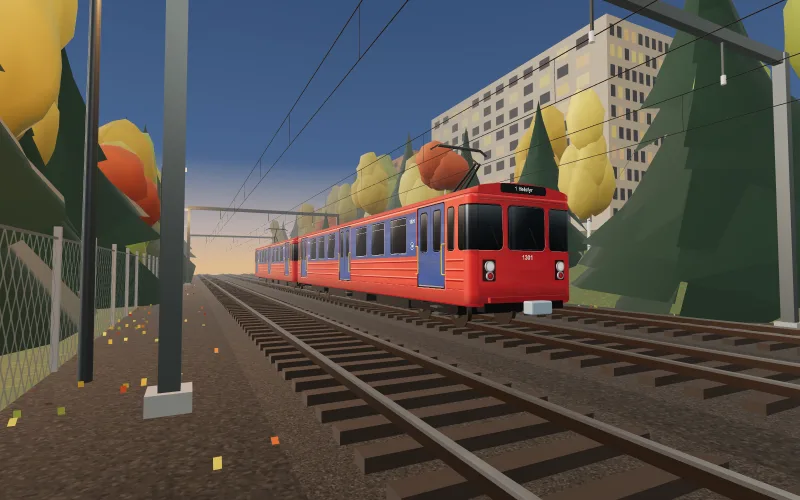
Every map is a full 3D place you can walk around: a Stockholm C14 in a depot yard, a Berlin Class G in a stabling tunnel, an Oslo T1300 laid up under the birches. See them all in paint subway trains online.
The photo
When the piece is done, take a photo. TrainWars adds a flash, film grain, a warm colour cast and a date stamp, like a writer's analog shot from the side of the track. Download it, or save it to your blackbook.
Controls
- Desktop: left mouse to spray, right mouse to look, W A S D to move, mouse wheel to zoom, Ctrl or Cmd + Z to undo.
Why the browser?
No install, no store, no headset. You open a link and you are in the yard. It also means you can paint on a school laptop or a work computer. If you want to compare with the VR simulators, read TrainWars vs Graffism VR.
Frequently asked questions
Can I play a graffiti game in my browser?
Yes. TrainWars is a 3D graffiti game that runs in Chrome, Safari, Firefox and Edge, on desktop and laptop, with no download or plug-in.
Does TrainWars simulate drips?
Yes. Hold the can still and paint pools and runs down the surface as thin drips, like real spray paint.
What caps are in TrainWars?
Four presets: Thin 5 cm, Medium 12 cm, Fat 25 cm and Fat XL 42 cm. A slider allows custom sizes in between.
Can I play TrainWars on my phone?
Not yet. The mobile version is in the works. For now, TrainWars runs in a browser on desktop and laptop.
Does TrainWars save my paintings?
Yes. Your painting is saved in your browser. Sign in with an email link to save named pages to your cloud blackbook and open them on any device.